Express Video: Turn One Idea Into a Short AI Movie in Minutes
No camera, no storyboard, no editing timeline. Learn how Sphynxify Express Video turns a single idea into a 5–15 second animated or realistic short — pick a world, a character, a setting, and type your idea.
Express Video: Turn One Idea Into a Short AI Movie in Minutes
Most AI video tools ask you to make a dozen decisions before you see a single frame: style, shots, scenes, camera moves, transitions, timing.
If you just have an idea — "a tiny astronaut cat discovers a candy planet" — that's a lot of homework.
Express Video is built for the opposite situation. One decision per screen, world first, idea last. You end up with a short, ready-to-post clip without ever opening an editor.
What Is Express Video?
Express Video is a guided flow in the Sphynxify dashboard that turns a short idea into a finished video. It has five simple screens:
- World — the visual style of your video
- Character — who is in it
- Setting — where it happens
- Idea — what happens
- Review — confirm and generate
That's the whole process. No timeline, no layers, no storyboard to manage.
Screen by Screen
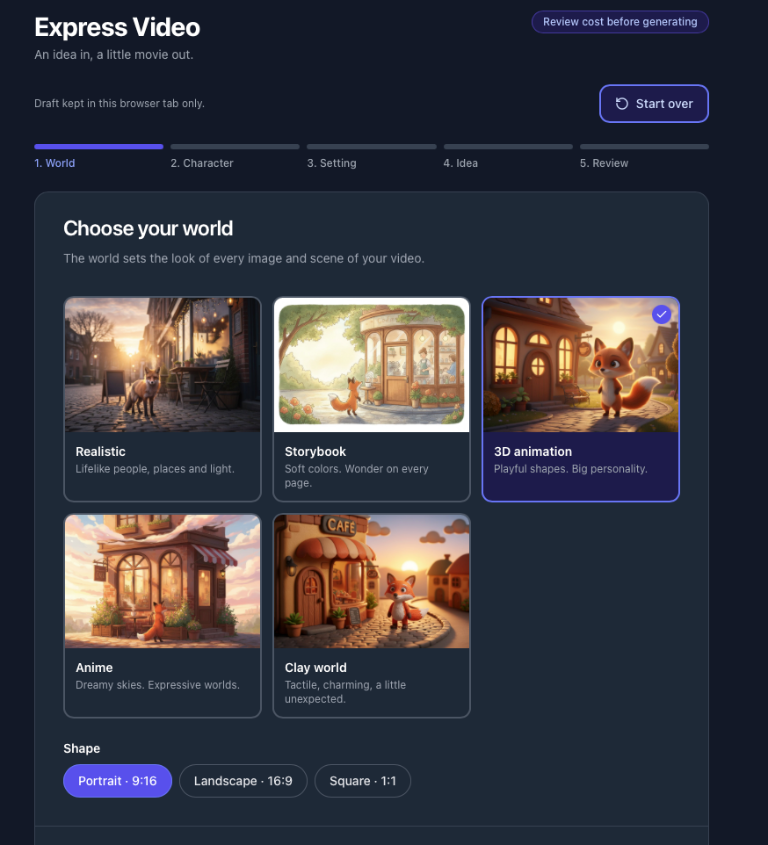
1. Choose your world
The world sets the look of everything that follows. You can pick from:
- Realistic — lifelike people and places
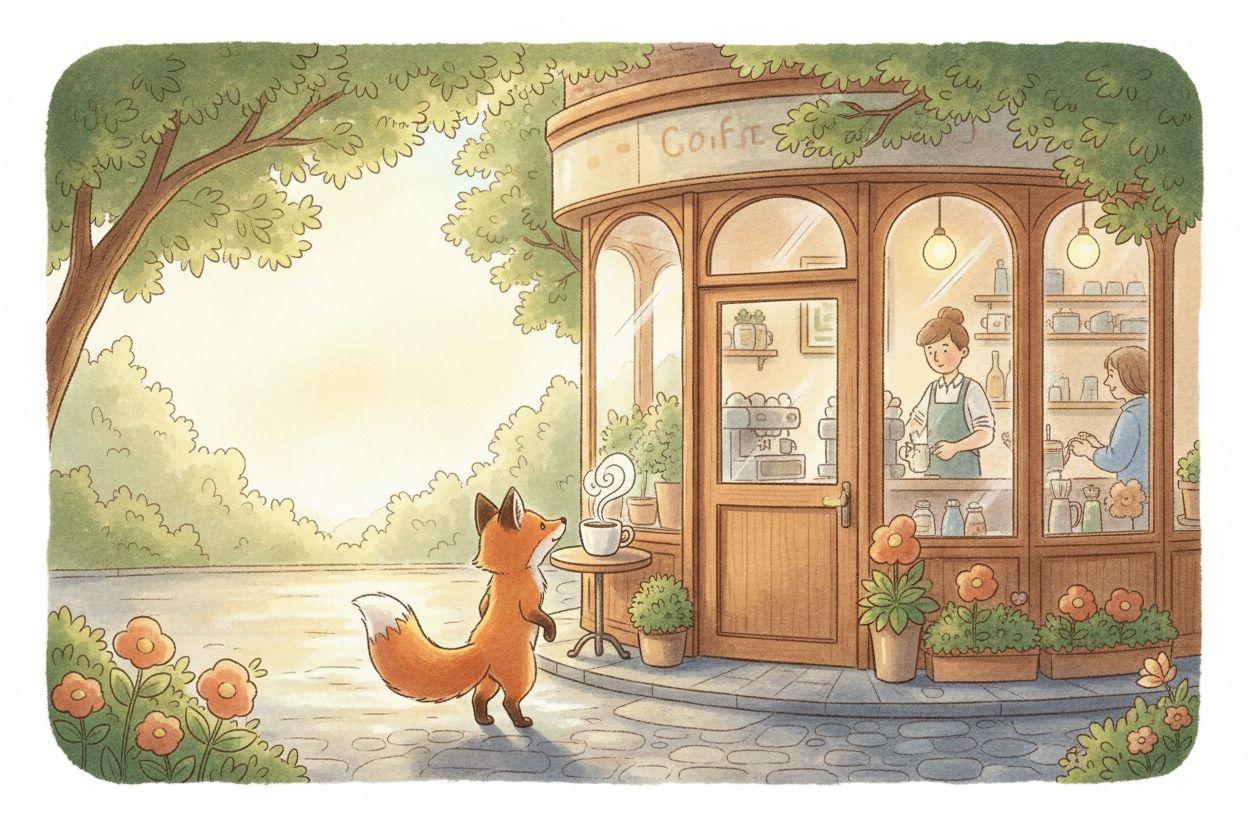
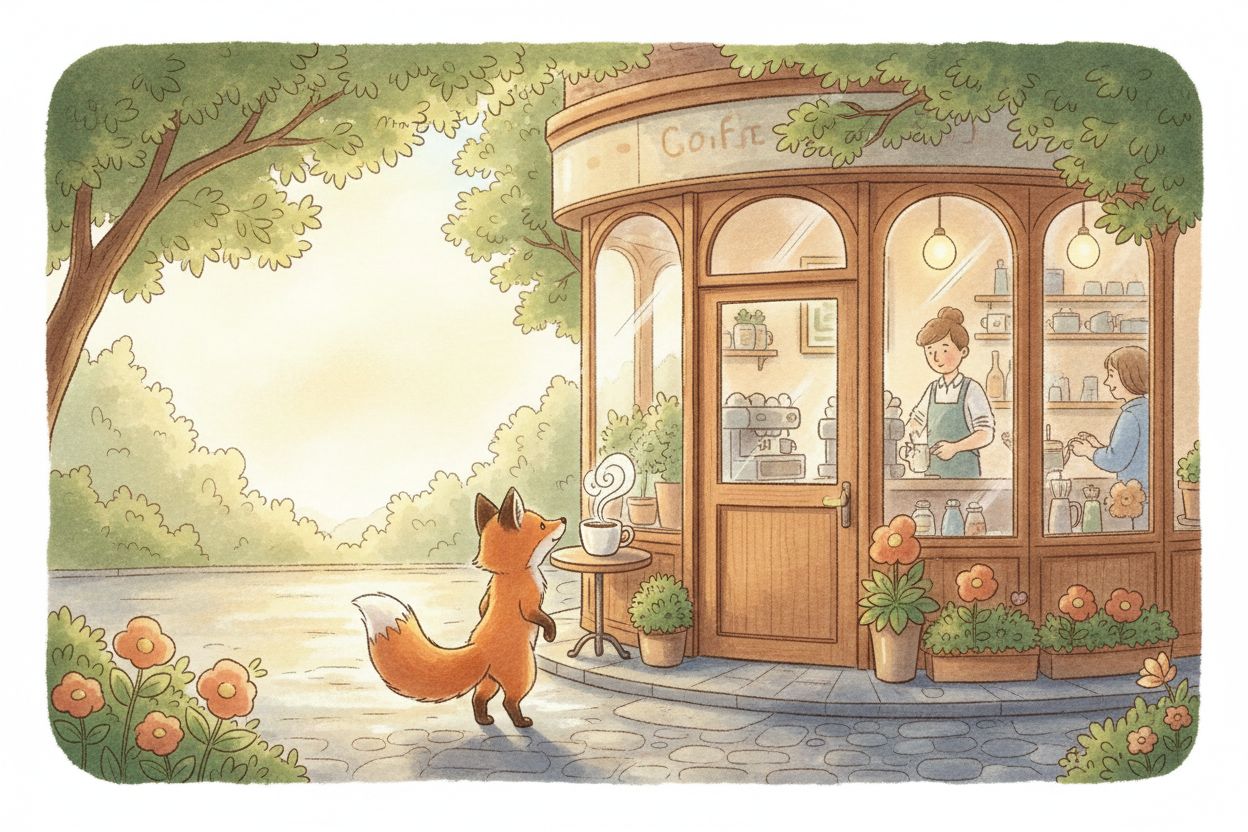
- Storybook — soft, illustrated, bedtime-story feel
- 3D animation — polished, animated-film look
- Anime — expressive, stylised characters
- Clay — handmade stop-motion charm
Choosing the world first means your character and setting always match each other, so the final clip looks cohesive instead of stitched together.
2. Pick a character (or up to three)
For each character you can:
- Choose from 4 ready-made presets
- Describe your own in one line, then generate a preview before committing
- Reuse a saved character from your library
- Choose Let AI decide and let the idea shape the character
Need an ensemble? Express Video supports up to 3 characters in the same video, each with their own look.
3. Pick a setting
Same options as characters: presets, describe your own, a saved item from your library, or let AI decide. All characters share one setting, which keeps the scene believable.
4. Type your idea
One or two sentences is plenty. Examples that work well:
- "A grumpy cloud learns to rain happy confetti"
- "A barista robot's first morning on the job"
- "Two best friends race paper boats down a rainy street"
You'll also choose:
- Shape: portrait (TikTok, Reels, Shorts), landscape (YouTube, web), or square (feeds)
- Length: 5, 10 or 15 seconds (15 is the default)
5. Review and generate
You'll see your full cast, setting, world and idea on one screen. Happy with it? Generate. Want to change something? Go back a step, or hit Start over to reset everything and begin fresh.
Why Short Clips Work So Well
Short-form platforms reward volume and novelty. A 10–15 second clip is long enough to land a joke, a hook or a product moment, and short enough that people watch to the end — which is the signal the algorithm cares about most.
Express Video is designed around that reality:
| Goal | Suggested setup |
|---|---|
| Quick scroll-stopper for Reels / TikTok | Portrait, 5–10 sec, Anime or 3D animation |
| Brand mascot content | Saved character from library, same setting each time |
| Kids' or family storytelling | Storybook or Clay world |
| Product teaser with a human feel | Realistic, portrait, 10–15 sec |
Ideas for Businesses and Creators
You don't need to be a studio to use this. Here's how different people use short AI movies:
- Small businesses — a mascot character that appears in every post builds recognition without hiring an animator
- Educators — explain one idea per clip with a friendly character
- Content creators — test five concept variations in the time it used to take to storyboard one
- Marketers — create eye-catching organic content to support paid campaigns
Pair it with our guides on scheduling videos across every platform and writing hooks that stop the scroll to get more from every clip.
Tips for Better Results
Keep the idea to one moment. A 10-second video can hold one beat, not a whole plot. "A fox finds a glowing mushroom" beats "A fox goes on an adventure, meets friends and saves the forest."
Be specific about feeling, not camera work. "Curious and excited" gives better results than technical directions.
Preview before you commit. When you describe your own character or setting, generate the preview first and adjust the wording if it isn't right.
Reuse your favourites. Save characters and settings you love so every future video feels like part of the same series.
Match shape to platform. Portrait for TikTok, Reels and Shorts; landscape for YouTube and websites.
Express Video vs. Traditional Editing
| Task | Traditional workflow | Express Video |
|---|---|---|
| Concept & storyboard | 30–60 min | One sentence |
| Character design | Hire or draw | 1 line or a preset |
| Animation / filming | Hours to days | Generated |
| Editing | 30+ min | None |
| Time to first draft | Days | Minutes |
Frequently Asked Questions
Do I need any editing skills? No. The flow is five screens and one idea. There's no timeline to learn.
What lengths can I make? 5, 10 or 15 seconds.
Can I use my own character in multiple videos? Yes — save it to your library and select it in any future video.
What if I don't know what I want? Choose Let AI decide for the character or setting, and type your idea. The AI designs the rest around it.
Try Express Video
Have an idea you've been sitting on? Turn it into a clip today.
Open Express Video → and have your first short movie in minutes. New to Sphynxify? Start free and explore the rest of the platform, including Trend Radar to find ideas worth making.