How to Schedule Videos on TikTok, Instagram, YouTube and Facebook at the Same Time
Uploading the same video to five platforms manually takes 30+ minutes every time. Here's how to schedule to TikTok, Instagram Reels, YouTube Shorts, Facebook and more from one place — in under 3 minutes.
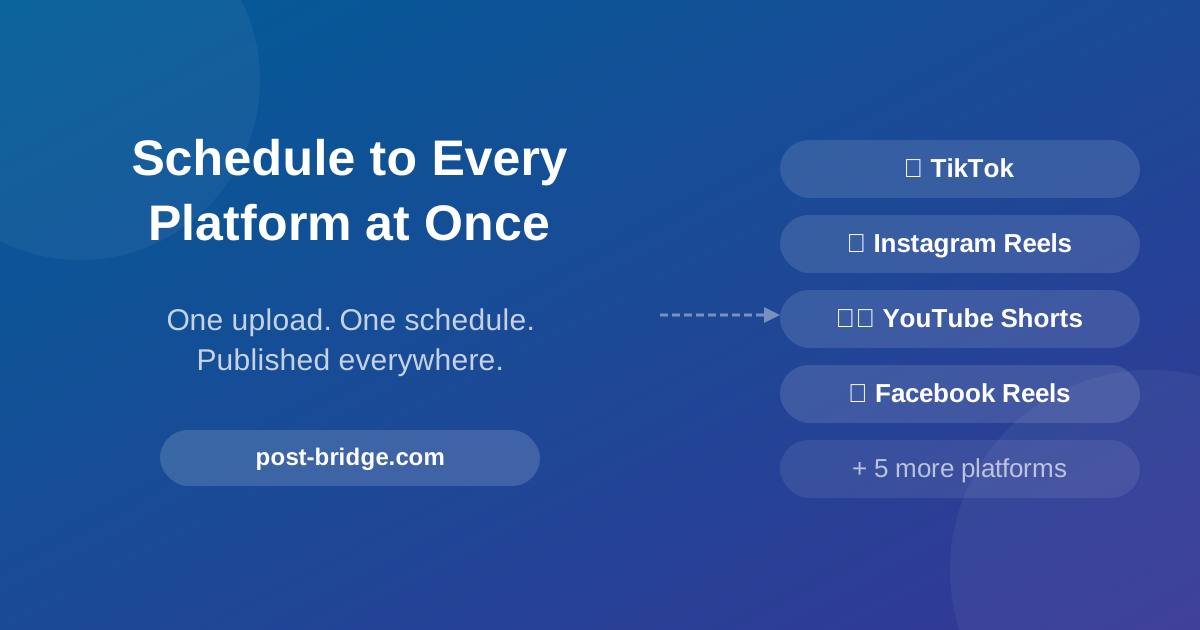
How to Schedule Videos on TikTok, Instagram, YouTube and Facebook at the Same Time
If you're manually uploading the same video to TikTok, then Instagram Reels, then YouTube Shorts, then Facebook Reels — one by one, logging into each app — you're losing somewhere between 20 and 40 minutes per video to pure repetition.
Multiply that by the 5+ videos a week you should be posting to stay visible, and you're spending 2–3 hours every week on uploads alone. That's before you've written a script, recorded anything, or responded to a single comment.
There's a simpler way. Here's how to schedule to all platforms at once — and what to customise per platform so each post actually performs.
Why You Can't Just Auto-Post the Same Thing Everywhere
Before the tool, a quick clarification: cross-posting the exact same content with the exact same caption to every platform without any adjustment is a viable approach, but there are a few platform-specific differences worth knowing.
TikTok — natively favours content that feels made for TikTok. Captions under 150 characters perform better than walls of text. Hashtags: 3–5 targeted ones, not 30.
Instagram Reels — caption quality matters more than on TikTok. Hashtags (10–15) still influence discovery. The first line of the caption appears before "more" — make it count.
YouTube Shorts — requires a separate title field (unlike Reels and TikTok). The title is your primary SEO signal for YouTube search. Use your keyword in the title.
Facebook Reels — slightly more tolerant of longer captions. Facebook's audience is older on average; adjust tone slightly. Link in caption (unlike TikTok, Facebook allows clickable links).
LinkedIn — if you're a B2B brand or service business, the same video reframed with a professional angle can perform well. Caption should lead with the business outcome, not the product feature.
A good scheduler lets you write one master caption and then adjust per platform before publishing. That's the right balance between efficiency and customisation.
How to Schedule Everywhere Using Post-Bridge
Post-Bridge supports 9 platforms: TikTok, Instagram, YouTube, Facebook, LinkedIn, Twitter/X, Bluesky, Threads and Pinterest. Here's the exact process:
Step 1: Connect your accounts (one-time setup, 5 minutes)
Go to post-bridge.com and create a free account. From the dashboard, connect each social account using the platform's official OAuth login — Post-Bridge never asks for your passwords.
You can connect multiple accounts per platform (e.g., two TikTok accounts, three Instagram accounts) depending on your plan.
Step 2: Create a new post
Click New Post from the dashboard. You'll see a composer with:
- Media upload area (video, image, carousel)
- Caption field
- Platform selector
- Schedule/publish options
Step 3: Upload your video
Drag and drop your video file. Post-Bridge accepts standard MP4 format — which is what Sphynxify exports by default.
For short-form platforms (TikTok, Reels, Shorts), your video should be:
- 9:16 vertical orientation
- Under 60 seconds for YouTube Shorts (max)
- Under 90 seconds for Instagram Reels
- Up to 3 minutes for TikTok
Step 4: Write your caption and customise per platform
Write your master caption in the main field. Then click into each platform's tab to tweak:
TikTok tab
- Keep caption short and conversational
- Add 3–5 relevant hashtags
- If you have a link in bio, reference it in the caption
Instagram tab
- Expand the caption with more context if needed
- Add 10–15 hashtags (mix of niche and broad)
- Consider tagging your location for local businesses
YouTube tab
- Add a dedicated title — this is required and separate from the caption
- Use your primary keyword naturally in the title
- The description field can include your full CTA, website link and any relevant keywords
Facebook tab
- You can include a direct clickable link in the caption (unlike TikTok)
- Slightly longer, more informational captions work on Facebook
Step 5: Select platforms and set your schedule
Toggle on the platforms you want to publish to. Choose:
- Post now — publishes immediately to all selected platforms
- Schedule — pick a date and time; Post-Bridge publishes automatically when that time arrives
- Add to queue — adds to your preset posting schedule (useful if you're batching a week's worth of content)
Confirm. Done. Post-Bridge handles the rest.
Building a Weekly Scheduling Routine
The real value of a scheduler isn't one-off posts — it's batching. Instead of interrupting your workflow every day to post, you block time once or twice a week and schedule everything in advance.
A practical weekly rhythm:
| Day | Task | Time |
|---|---|---|
| Monday | Write 5 scripts for the week | 45 min |
| Tuesday | Generate 5 videos in Sphynxify | 30 min |
| Tuesday | Schedule all 5 in Post-Bridge | 20 min |
| Wed–Sun | Zero content creation time | 0 min |
95 minutes of concentrated work on Tuesday. Five days of consistent posting across every platform without touching it again.
Per-Platform Best Posting Times (2026 Benchmarks)
Scheduling in advance means you can hit optimal posting windows without needing to be online. Current platform benchmarks:
TikTok Best times: 7–9am, 12–2pm, 6–9pm (local to your primary audience) Best days: Tuesday, Thursday, Friday Avoid: very early morning and late night
Instagram Reels Best times: 8–10am, 12–1pm, 5–7pm Best days: Monday, Wednesday, Saturday Note: consistency of posting day matters more than perfect timing
YouTube Shorts Best times: 12–3pm, 5–8pm Best days: Thursday, Friday, Saturday Note: YouTube Shorts have a longer shelf life than TikTok — a video posted at a suboptimal time can still surface in recommendations days later
Facebook Reels Best times: 1–3pm, 6–8pm Best days: Wednesday, Thursday Note: Facebook audience tends to be more active mid-week and mid-afternoon
Post-Bridge lets you set different scheduled times for each platform if you want to hit each platform's window precisely.
What About Algorithm Penalties for Third-Party Tools?
This is a common concern — and it's understandable. The question is: "Will scheduling through a third-party tool hurt my reach?"
Based on Post-Bridge's own testing and what's publicly documented by the platforms: no meaningful difference between scheduled and manually uploaded content has been observed, provided the scheduler uses official API connections.
Post-Bridge uses official OAuth connections for every platform — the same authentication method the platforms recommend. It's not scraping or using unofficial APIs.
One caveat: TikTok's algorithm does favour content that gets early engagement (comments, shares, watch time) in the first hour after posting. Scheduling your posts for times when your audience is actually online maximises that early window — which a scheduler actually helps you optimise for, since you can pick the exact right time rather than posting whenever you happen to have a free moment.
The Sphynxify + Post-Bridge Stack
If you're using Sphynxify to create AI-generated video content, Post-Bridge is the natural next step in the workflow:
- Create — generate your AI video in Sphynxify (no filming, no editing)
- Export — download the 9:16 MP4
- Schedule — upload to Post-Bridge, customise captions per platform, schedule the week's content in one session
- Engage — spend 20 minutes/day on comments and replies, let the scheduler handle everything else
The combination takes a task that consumed hours per week and brings it under 90 minutes.
For brands that want to stay consistent across platforms without hiring a social media manager, this is the stack that makes it feasible.
Get started with Sphynxify → Create your first AI video and pair it with Post-Bridge to schedule everywhere in minutes.